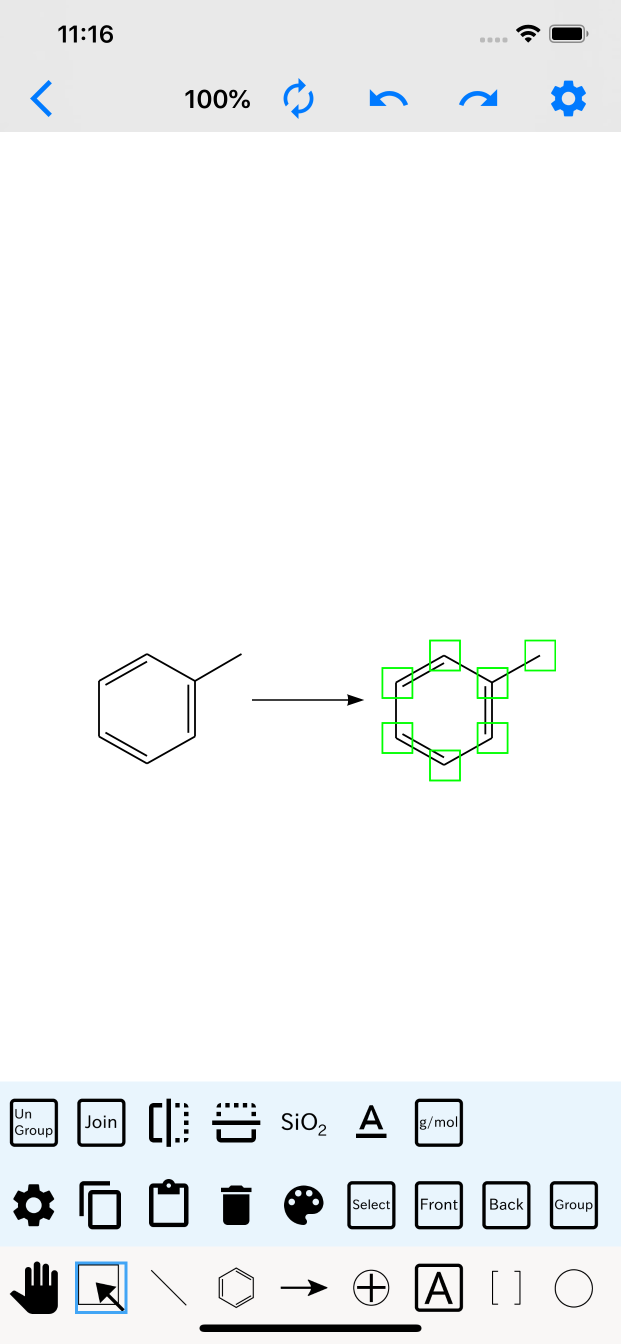
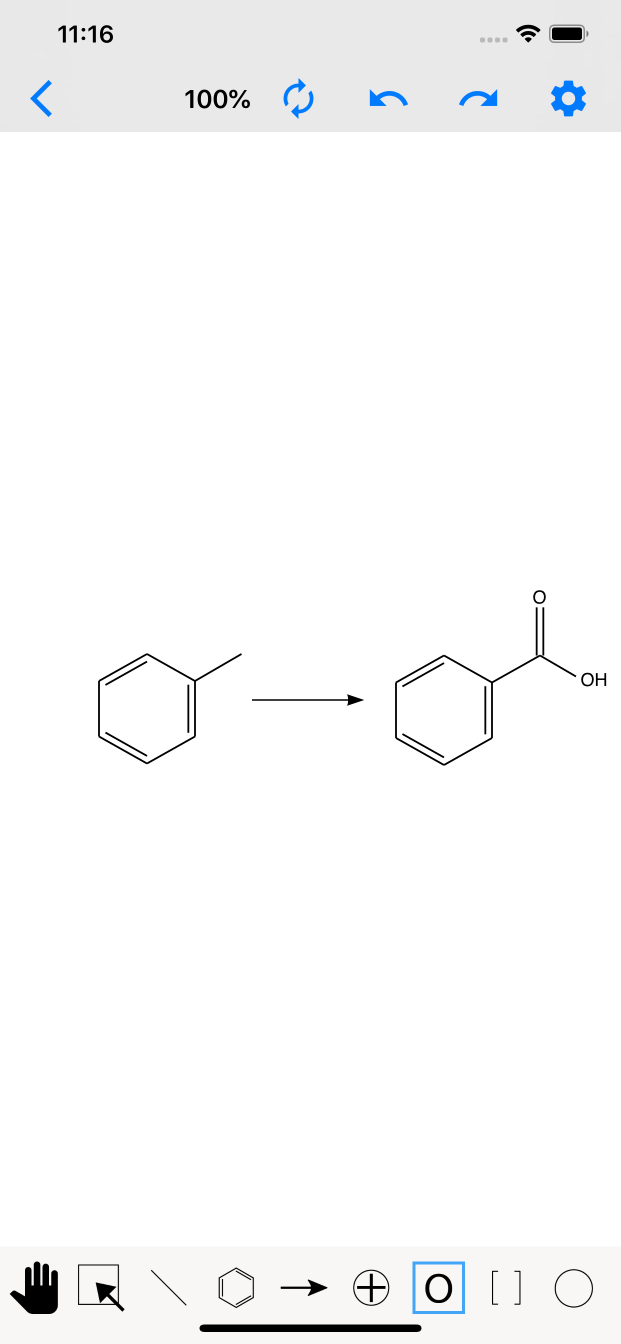
A structure editor that works on both iPad and iPhone.
With AI image search and iCloud syncing, it's easy to use wherever you are.
You can use either iPad or iPhone. Here's an introduction to the new AI image search feature.
Please see the video below for details on how to use it.
| OS | Function | Shortcut key |
|---|---|---|
| MacOS | Full | Full |
| iOS | Partial※1 | None |
※1. Some functions such as object group alignment, TIFF file read/write, and cut, which are not well suited to touch operation, are not supported.

The first time is free for one week. Please try it!
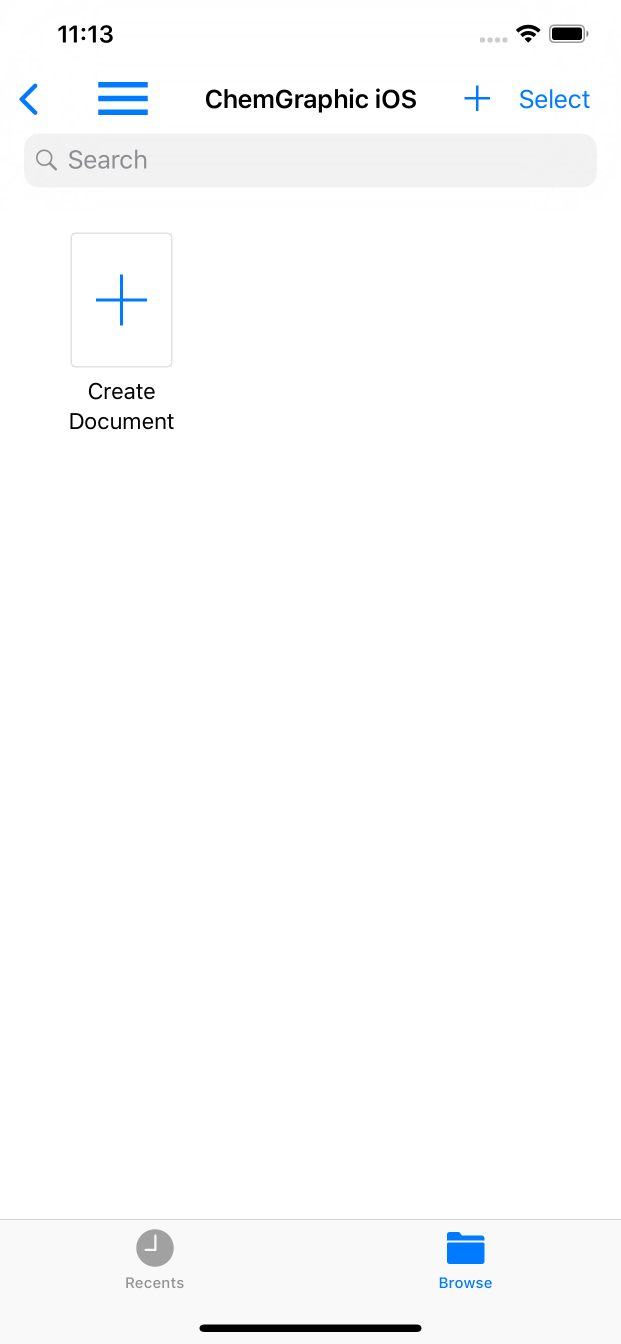
It supports iOS's document browser and iCloud, so it's easy to connect with other apps.
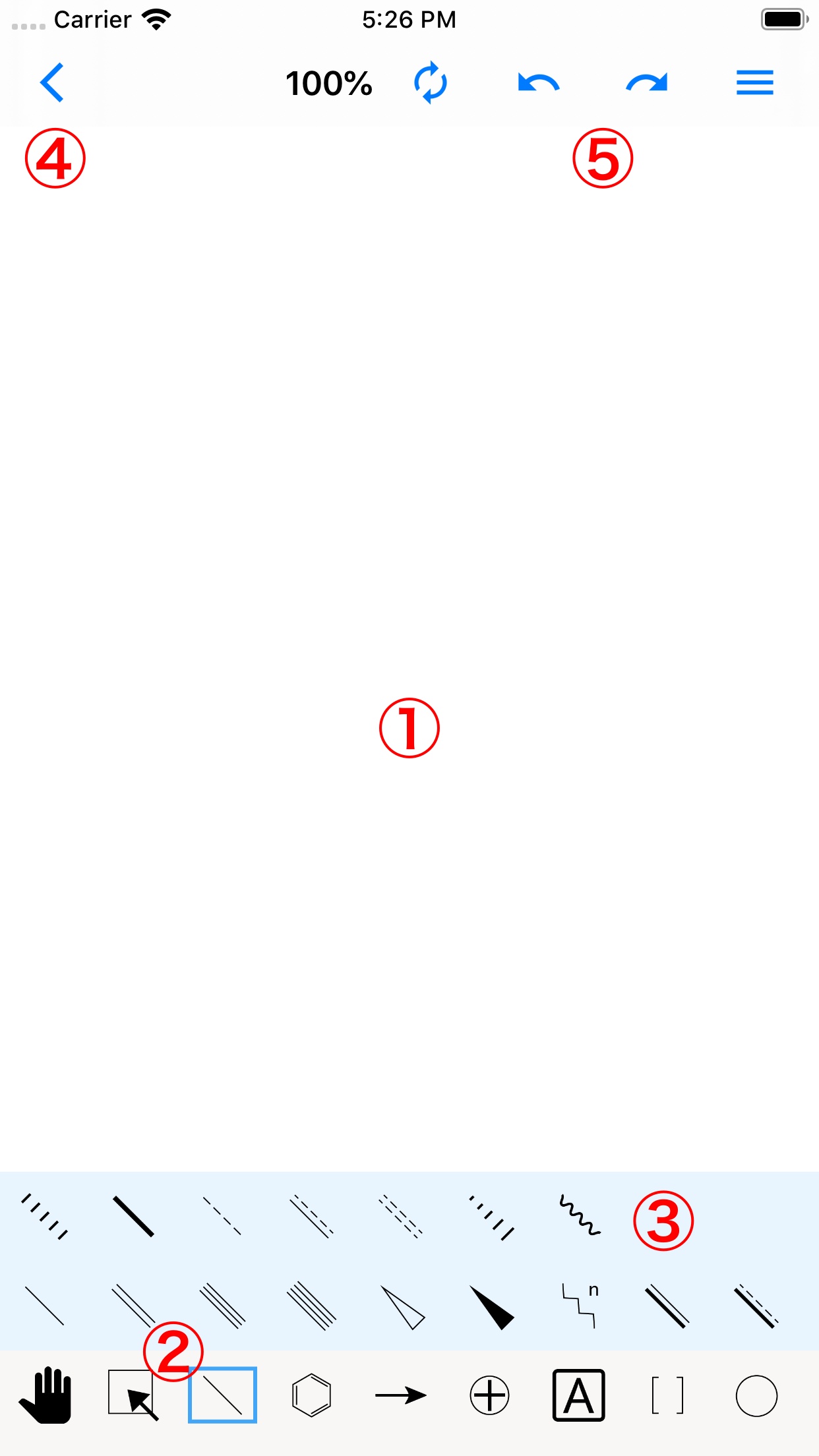
① Canvas
Write the structure here. The lines etc. selected with the tools in ② are drawn here.
② Tools
The leftmost tool lets you scroll the canvas. Besides selection and lines, images can also be imported from the sub-tools of the rightmost tool.
③ Sub-tools
Tap a tool to display its sub-tools. Tap a sub-tool to switch to it.
④ Back & auto-save
Returning with this button automatically saves the canvas.
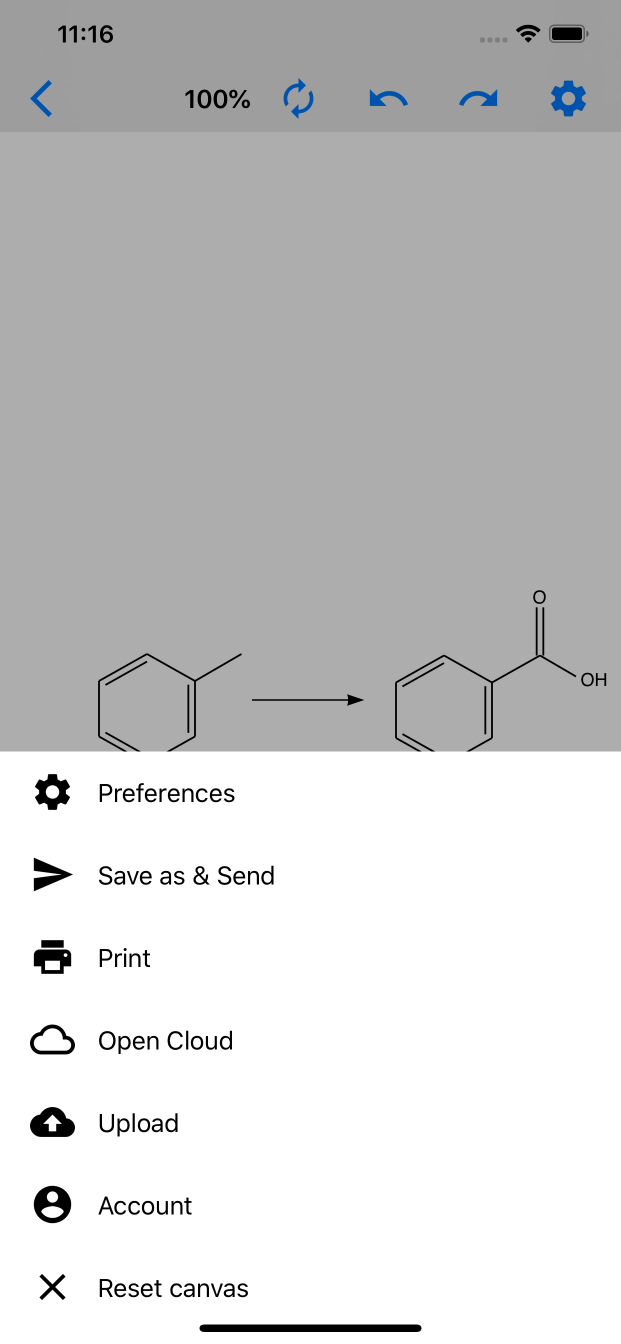
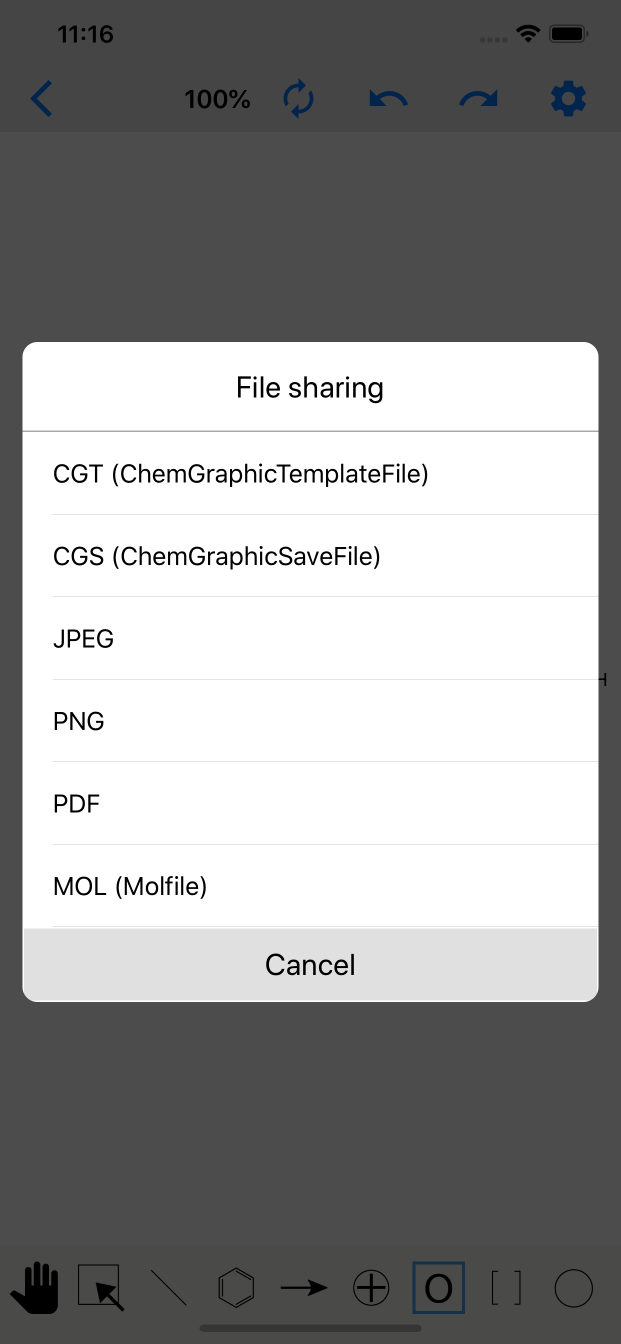
⑤ Other menu
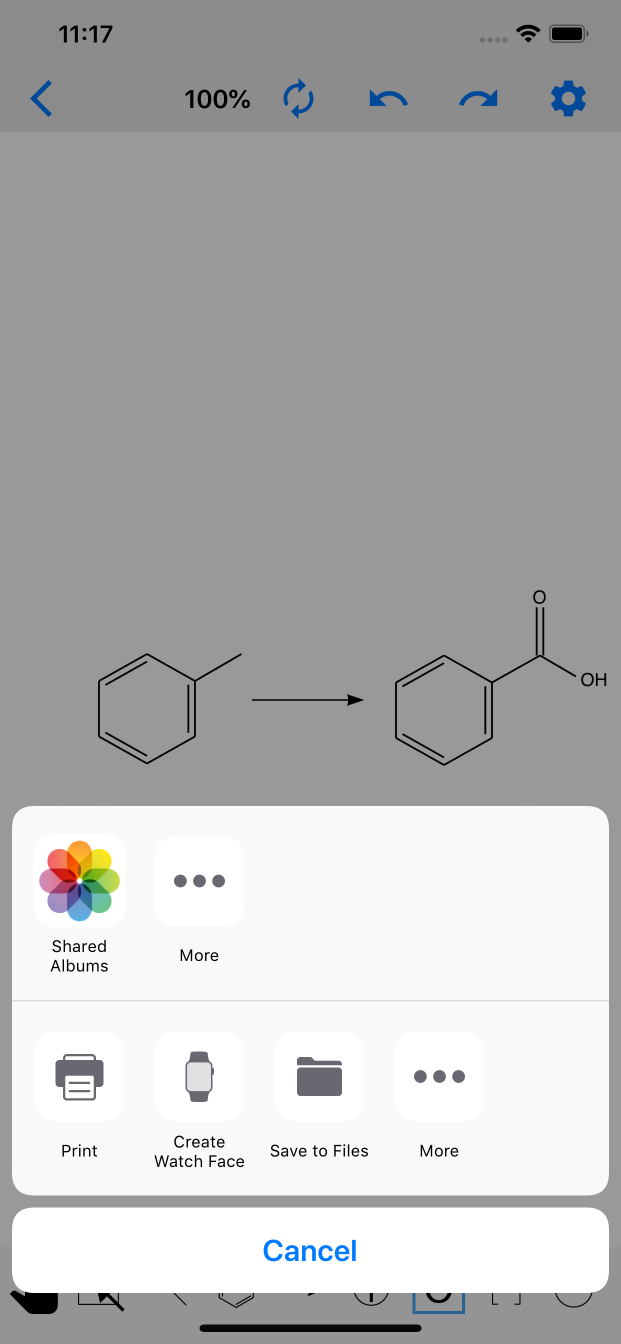
From the right: menu (image export is here too), Redo, Undo, and a zoom-reset button.
Tip
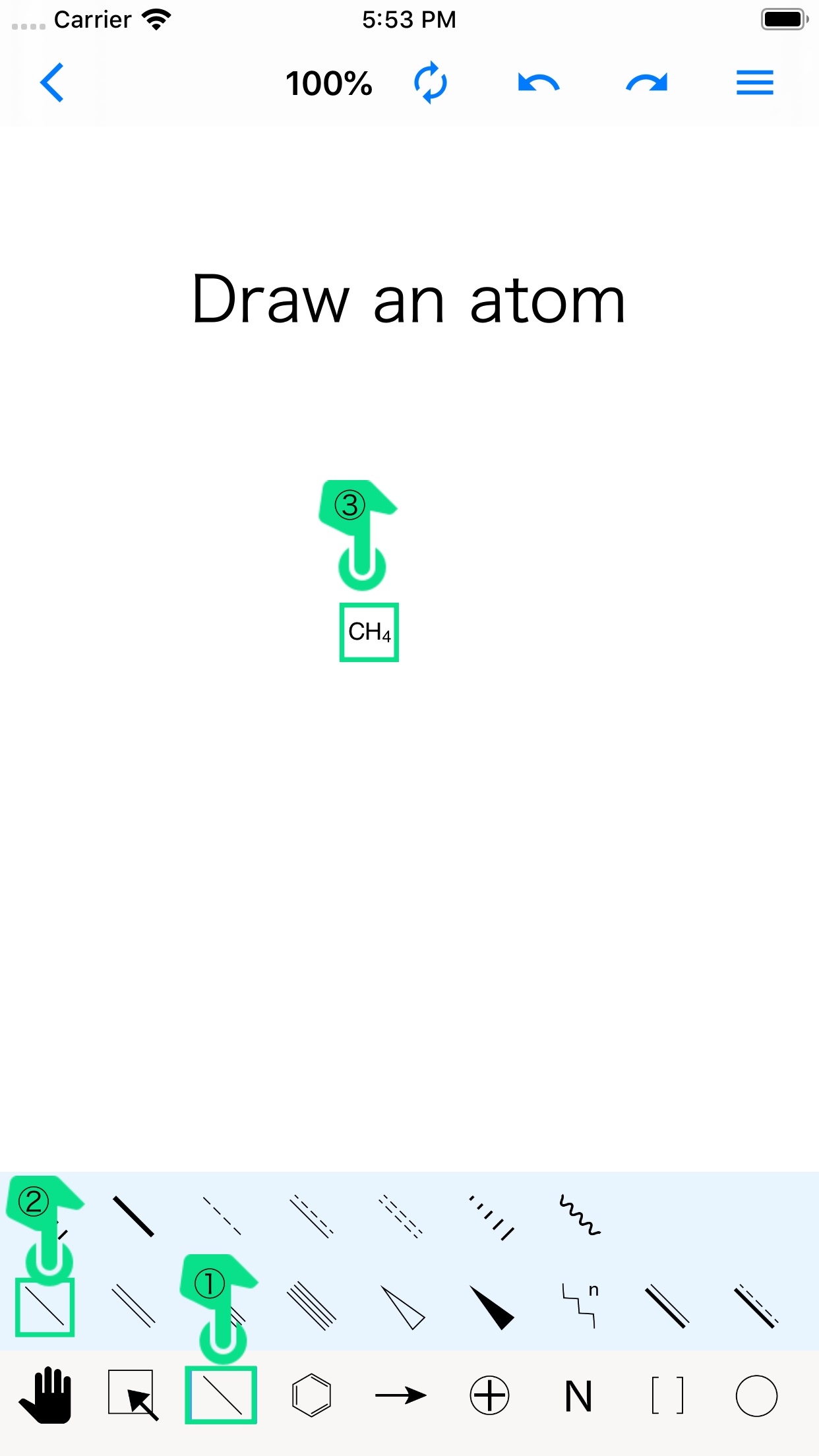
When drawing with the line tool, you can draw an atom by releasing your hand on the spot without dragging.
Tip
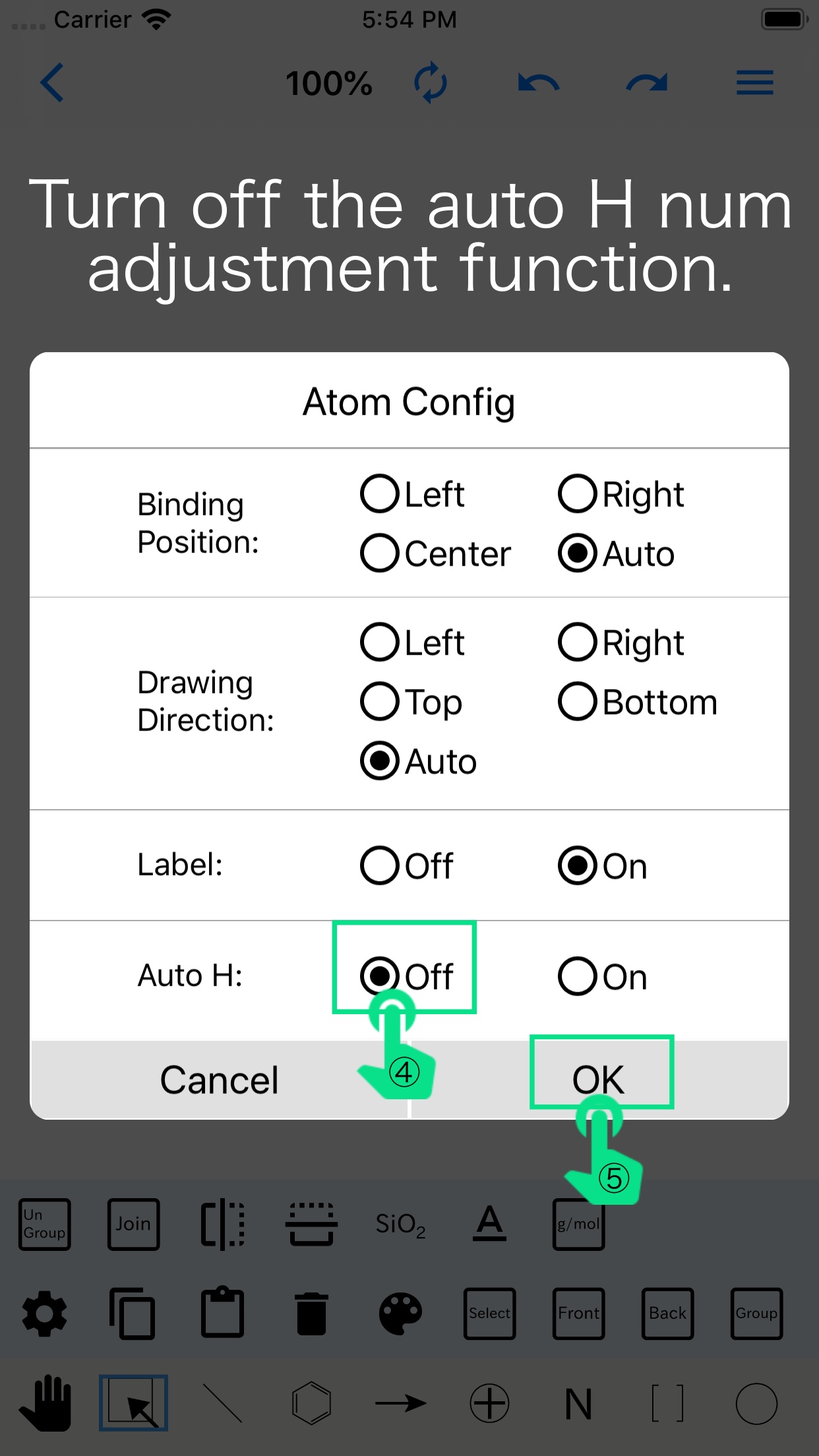
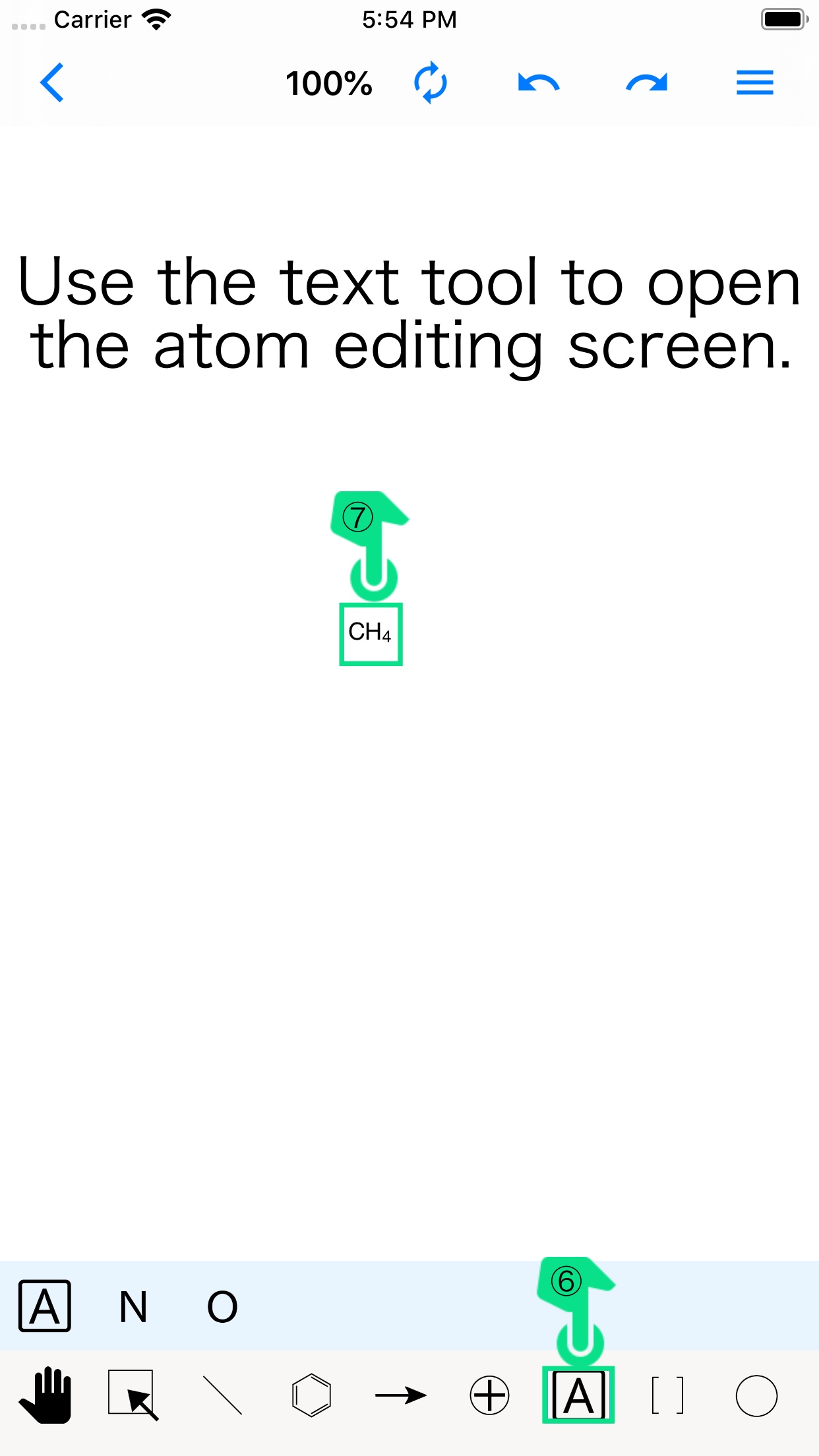
Tapping an atom with the text tool lets you rewrite it, while tapping an empty part of the canvas adds a text box. Text boxes can contain line breaks, but atoms cannot be bonded within them.
Tip
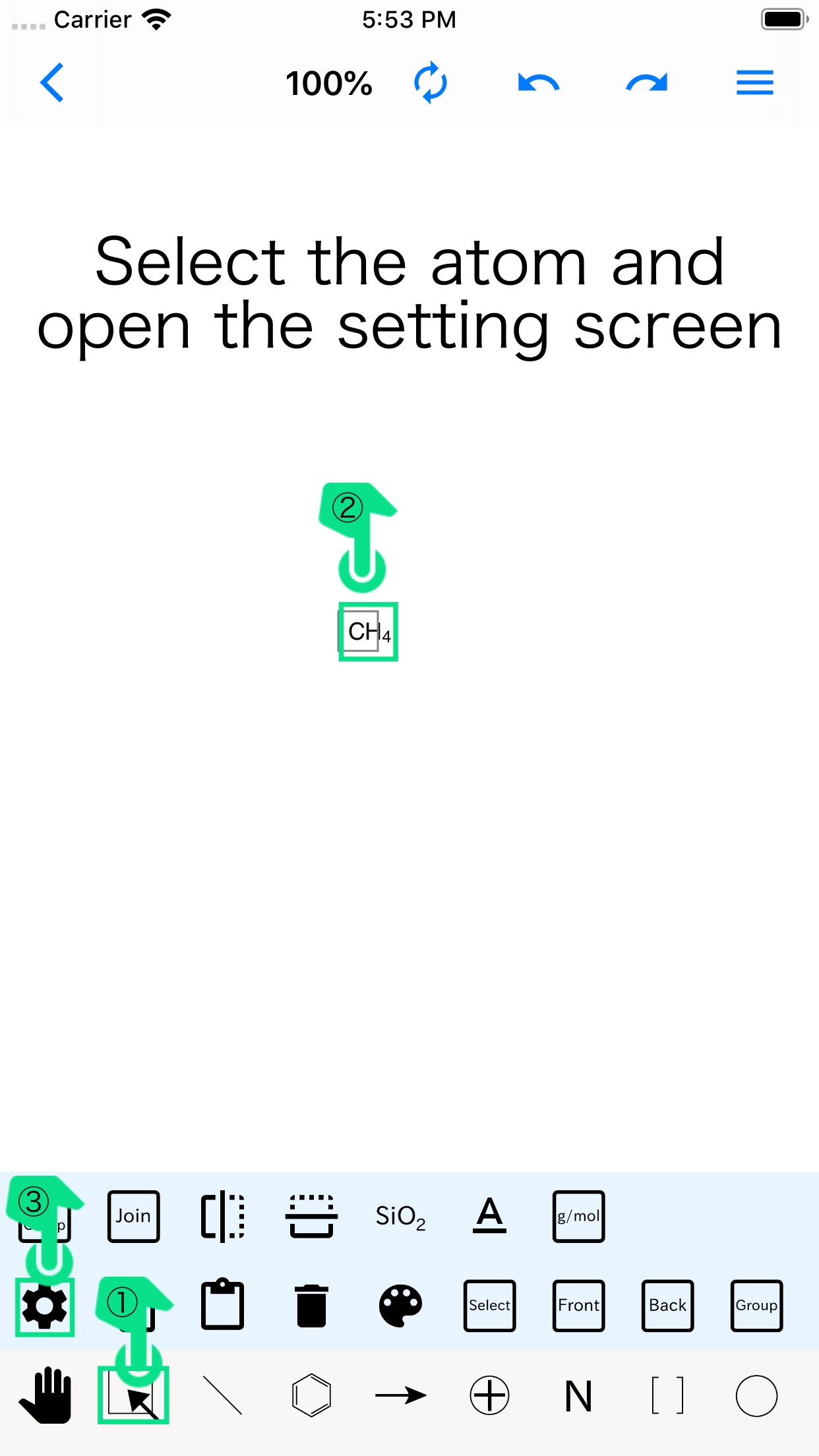
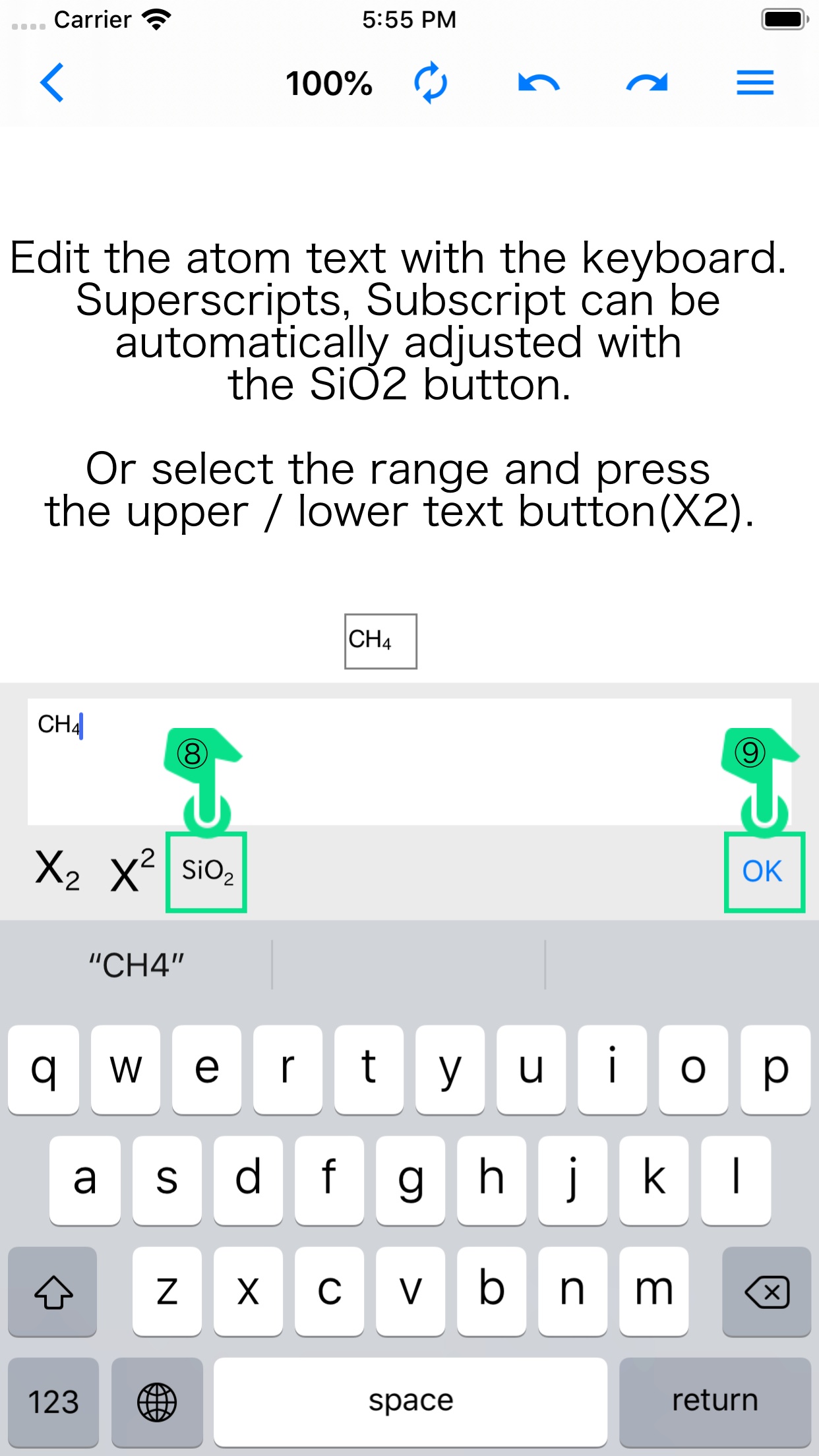
If you add a + or − charge or a number of atoms, pressing the SiO2 button at the top right of the editor while selected will automatically format the text.
© 2018 Apple Inc. Apple, the Apple logo, Apple TV, Apple Watch, iPad, iPhone, iPod, iPod touch, iTunes, the iTunes logo, Mac, iMac, MacBook, MacBook Pro, MacBook Air, macOS and QuickTime are trademarks of Apple Inc., registered in the U.S. and other countries. App Store is a service mark of Apple Inc.
© 2018 Google LLC All rights reserved. Google, the Google logo, Google Play and the Google Play logo are trademarks or registered trademarks of Google LLC.