Screenshots
Sample images
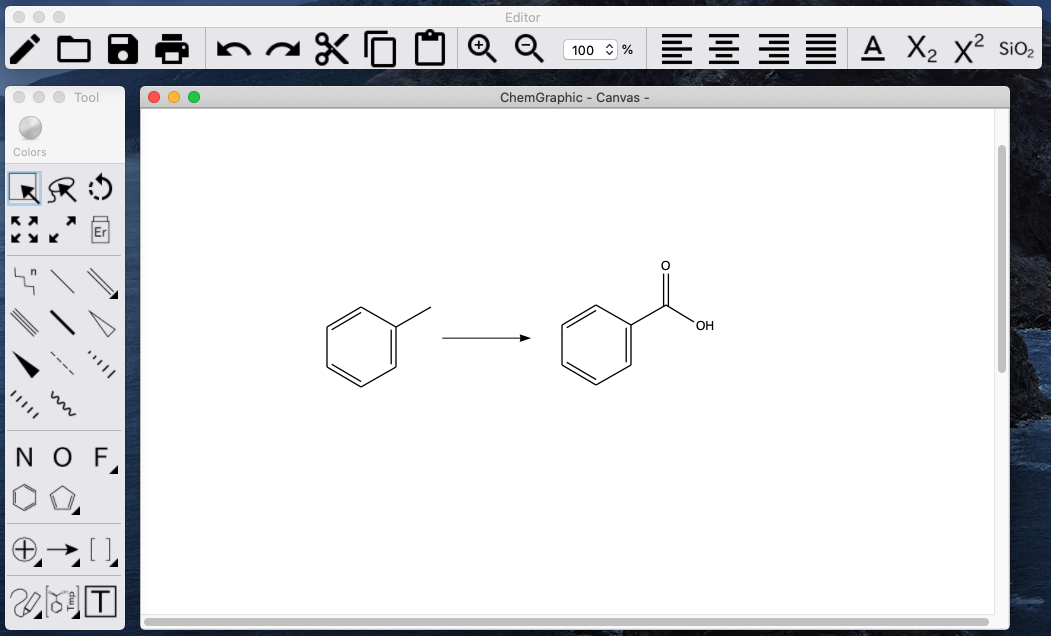
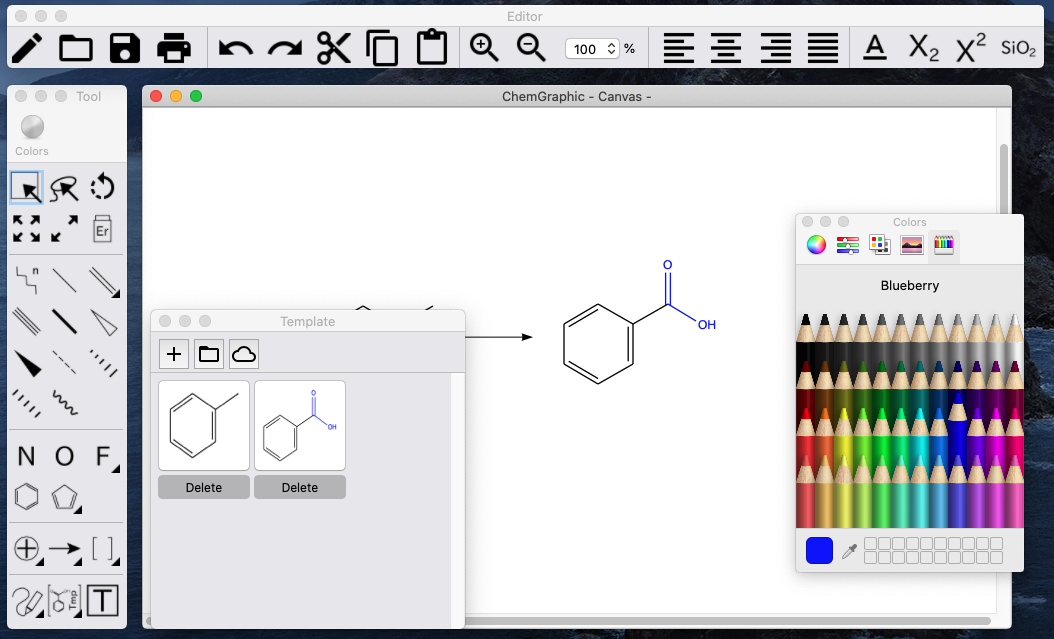
A Mac structure editor for scientists.
Simple and low-cost, with unnecessary functions left out based on feedback from the field.
ChemGraphic is a Mac structure editor for scientists. From the voice of the field, we aimed for a simple, low-cost editor by leaving out unnecessary functions.
Please see the video below for details on how to use it.
| OS | Function | Shortcut key |
|---|---|---|
| MacOS | Full | Full |
| iOS | Partial※1 | None |
※1. Some functions such as object group alignment and cut, which are not well suited to touch operation, are not supported.
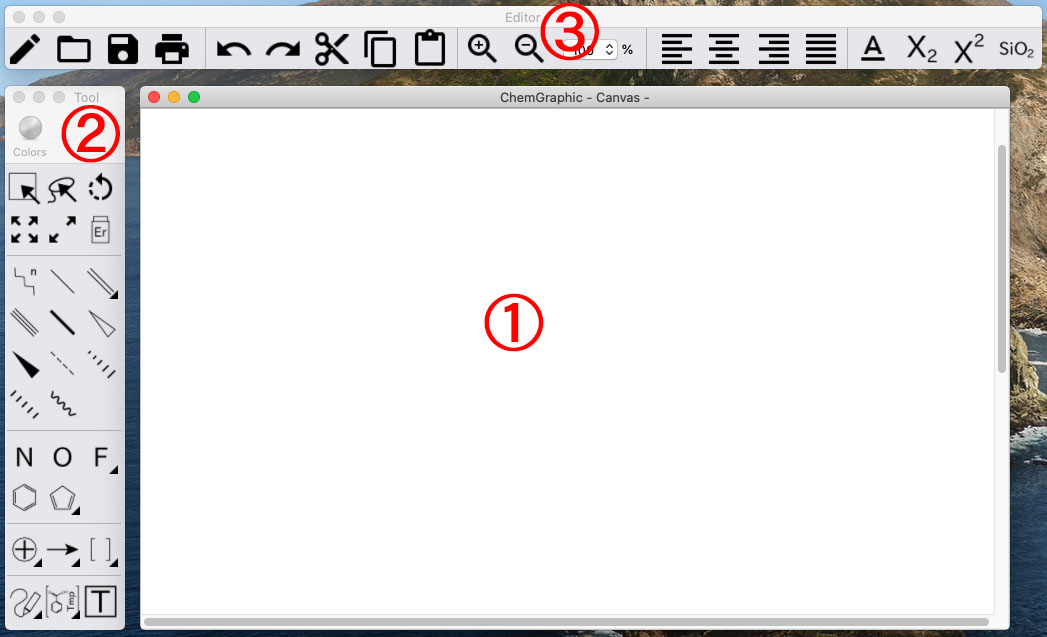
① Canvas
Write the structure here. The lines etc. selected with the tools in ② are drawn here.
② Tools
There are 6 operation tools at the top (range selection, free selection, rotation, scale, skew, eraser), and drawing tools at the bottom.
③ Editor
From the left, there are new file, open, save and so on. You can copy and paste the selected structure and adjust text as well.
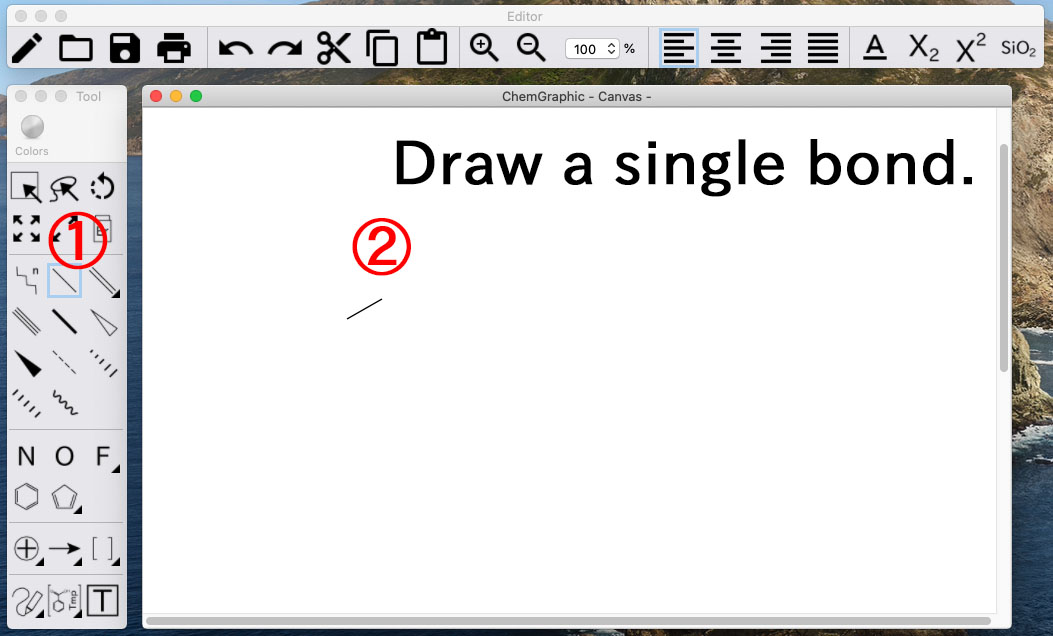
Tip
When drawing with the line tool, you can also draw an atom by releasing your hand on the spot without dragging.
Tip
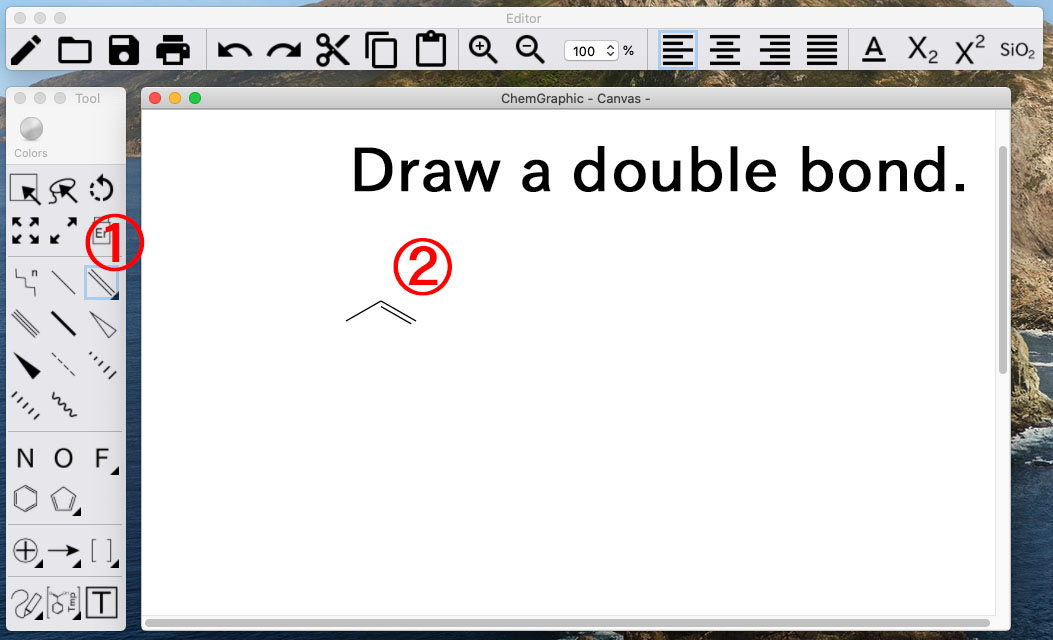
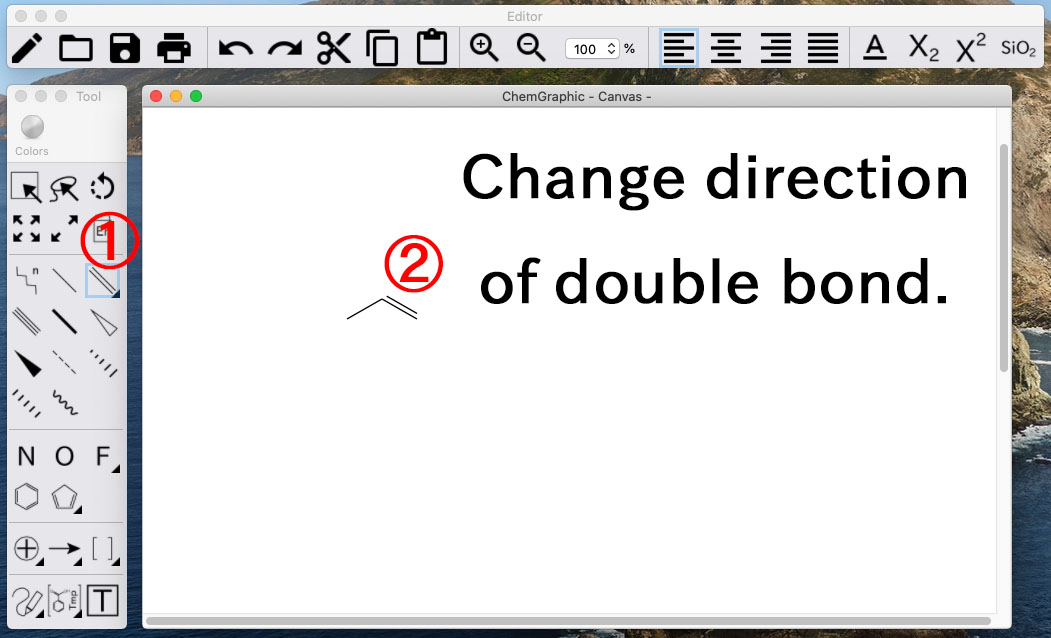
With the double bond tool, clicking a double bond again changes its direction.
Tip
If you add a + or − charge or a number of atoms, pressing the SiO2 button at the top right of the editor while selected will automatically format the text.
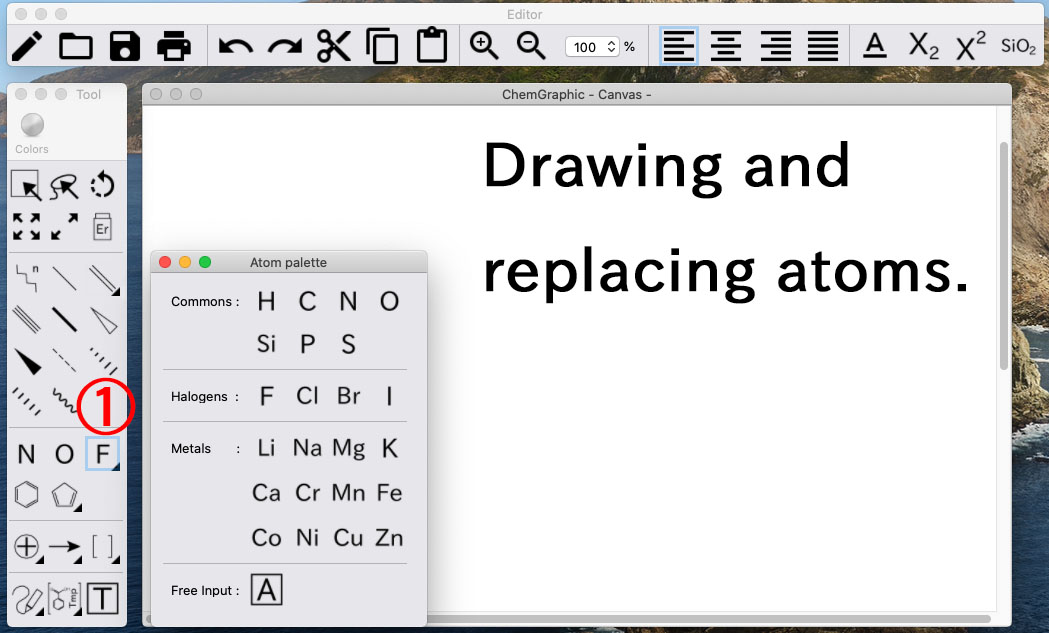
You can also rewrite an atom by tapping it with the text tool at the bottom of the toolbar. Text boxes can contain line breaks, but atoms cannot be bonded within them.
© 2018 Apple Inc. Apple, the Apple logo, Apple TV, Apple Watch, iPad, iPhone, iPod, iPod touch, iTunes, the iTunes logo, Mac, iMac, MacBook, MacBook Pro, MacBook Air, macOS and QuickTime are trademarks of Apple Inc., registered in the U.S. and other countries. App Store is a service mark of Apple Inc.
© 2018 Google LLC All rights reserved. Google, the Google logo, Google Play and the Google Play logo are trademarks or registered trademarks of Google LLC.